It wakes up and starts counting.
Plug it in and it comes on by itself: two eyes, then the dials. After that it keeps score, so checking is a glance rather than a command.
A little desk buddy for developers who work in the terminal. It sits by your keyboard and watches your Claude Code and Codex usage, so you never stop to check.
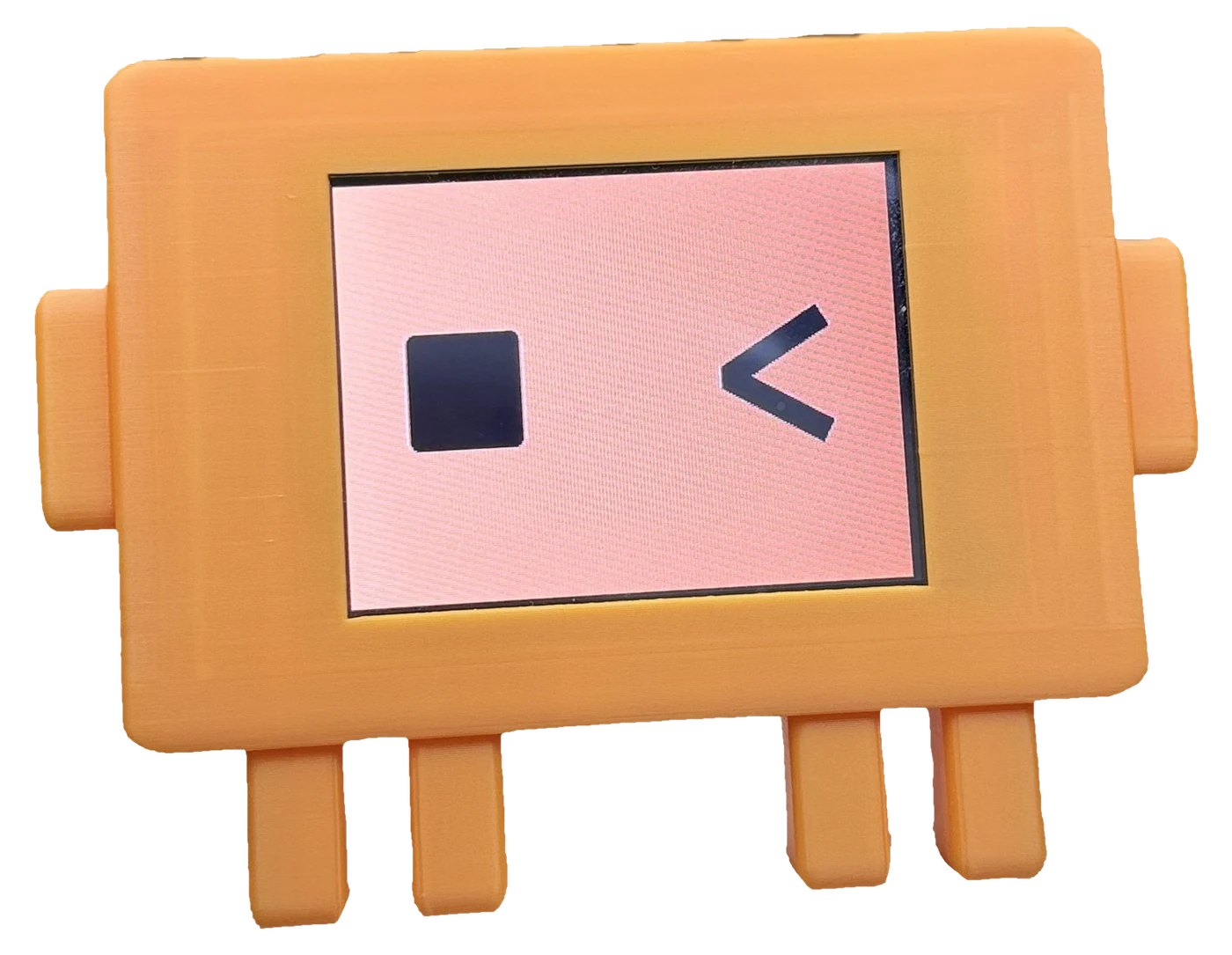

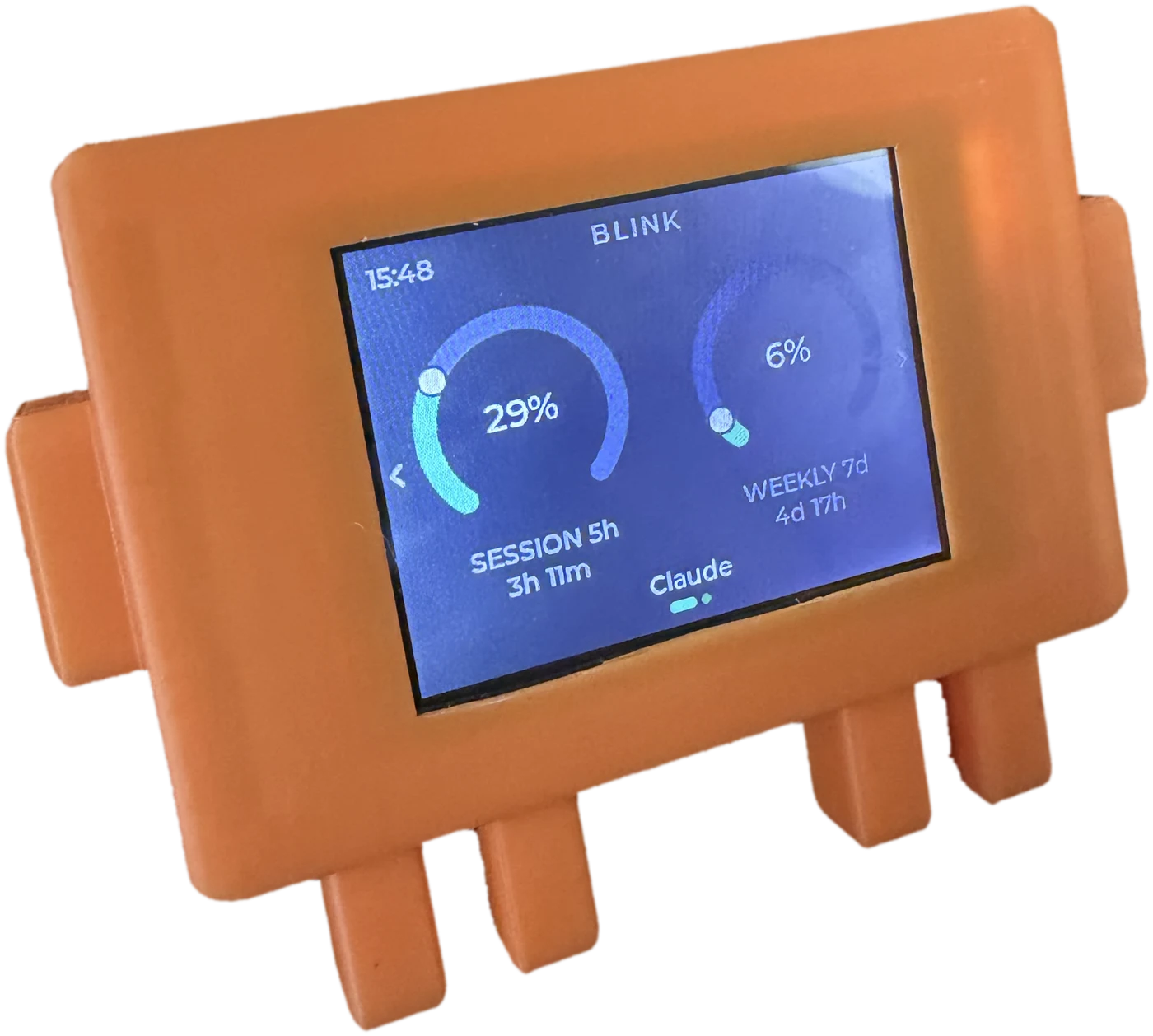
Plug it in and it comes on by itself: two eyes, then the dials. After that it keeps score, so checking is a glance rather than a command.
The session window, with the countdown to the rollover underneath. Green while there is room, amber as it closes, red when it is nearly gone.
The same dial over seven days - the one that decides whether Thursday is a good day to start something large.
A mark for each, in the corner the clock used to have: green while it is working, amber once it has finished and you have not read it, red when it wants you now - a failed turn, or a prompt sitting open. Two terminals stop looking like one, and the line underneath names which project.
The light on the right is about the figures, not the work. Green while the reading is live, amber once it has gone old, red if something broke. It never leaves a stale number looking current - it says so instead, and keeps showing the last one it trusted.
Every BLINK follows Claude Code and Codex at the same time, each with its own dials and countdowns. The pill at the bottom names the one you are looking at. Press it to switch the view to the other.
Right for settings: brightness, version, updates. Left for the boot animation. The chevrons are the whole interface.
01
Plug it in.
The cable is in the box.
02
Run one file.
curl -fsSL https://github.com/KfirLevy258/Blink/releases/latest/download/blink-macos-arm64.tar.gz | tar xz && ./blink/blink
For M1 and later.
curl -fsSL https://github.com/KfirLevy258/Blink/releases/latest/download/blink-macos-x86_64.tar.gz | tar xz && ./blink/blink
For Intel Macs.
curl -fsSL https://github.com/KfirLevy258/Blink/releases/latest/download/blink-linux-x86_64.tar.gz | tar xz && ./blink/blink
64-bit x86. Installs a user service, no root.
curl.exe -fsSL -o blink.zip https://github.com/KfirLevy258/Blink/releases/latest/download/blink-windows-x86_64.zip; tar -xf blink.zip; if ($?) { .\blink\blink.exe }
curl.exe -fsSL -o blink.zip https://github.com/KfirLevy258/Blink/releases/latest/download/blink-windows-x86_64.zip && tar -xf blink.zip && .\blink\blink.exe
Windows asks once for permission, to add a
driver it has never shipped for this board. The driver is in
the download - there is nothing to fetch. Not Git Bash,
whose tar cannot open a zip.
Installs and starts BLINK. When it says Done, the
blink folder can go.
Or
download from the release
page (opens in a new tab), unzip and
run blink/blink. Not signed yet: choose
Open Anyway on macOS, or More info then
Run anyway on Windows.
03
That is it.
The dials come up. It lives in ~/.blink, starts at login, finds the board itself, and offers new versions on screen. Nothing to sign in to. Check on it:
~/.blink/bin/blink status
~/.blink/bin/blink status
~/.blink/bin/blink status
& "$env:USERPROFILE\.blink\bin\blink.exe" status
"%USERPROFILE%\.blink\bin\blink.exe" status
uninstall in place of status removes it.
On Windows, driver installs the board's driver if you
waved the permission prompt away.
A 27-inch screen is 59.8 cm across.
Both cases are 2 cm deep. Everything drawn to scale, with the screen 12 cm above the desk.
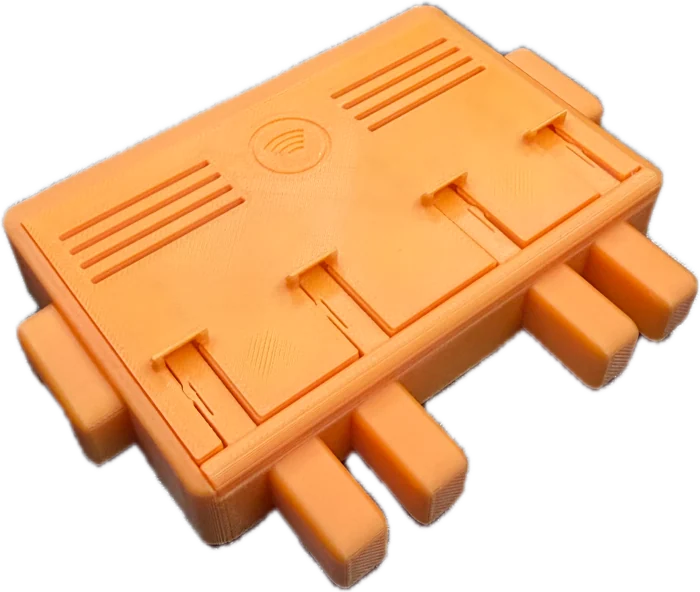
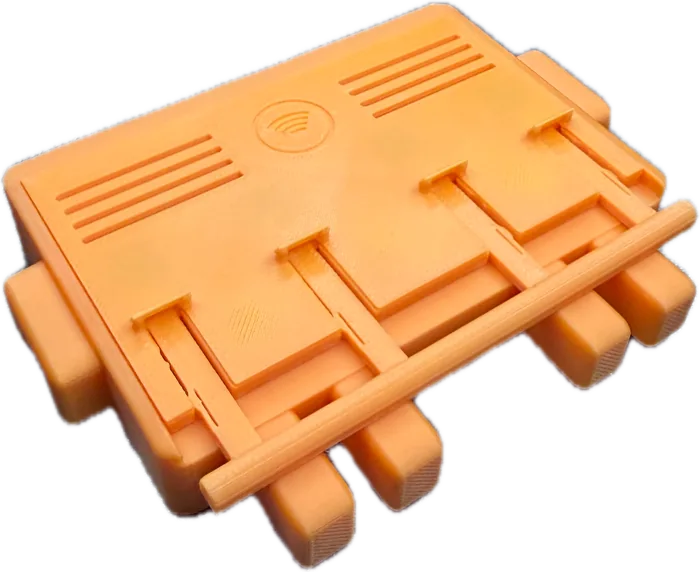
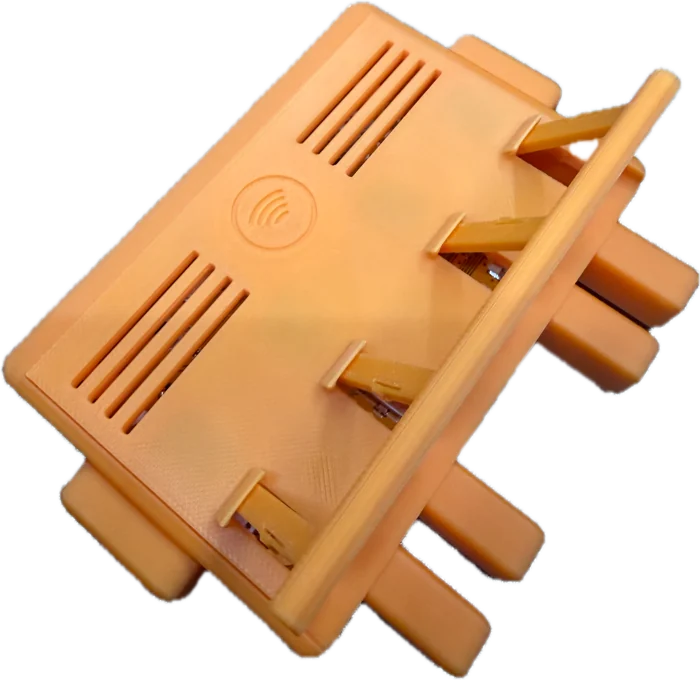
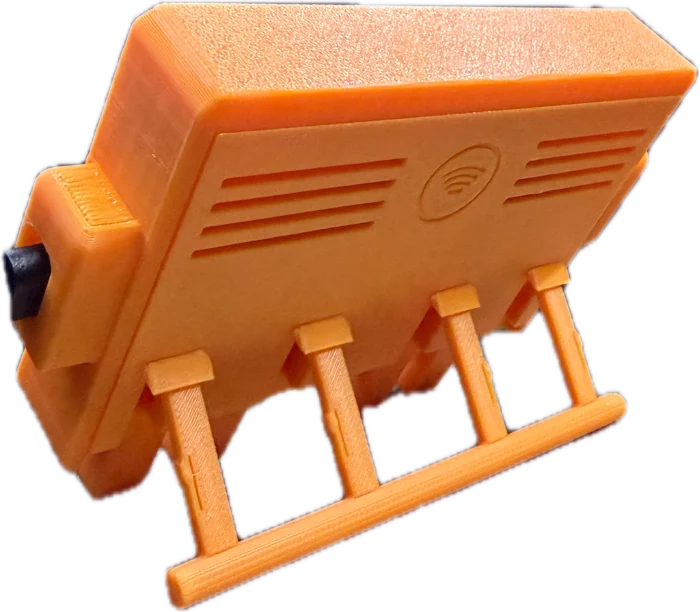
There is a stand folded into the back. Flat on the desk BLINK looks up at you. On its stand it leans back and faces you, which is how it is meant to sit beside a keyboard.
Gently, at every step. Nothing here needs force.
No. BLINK is the device and nothing else: it shows what is left of the plan you already pay for. It does not include a plan, resell one, or add usage of its own. When your plan runs out, BLINK says so - it cannot give you more.
No - either one is enough.
It works, on macOS and on Windows. BLINK is built for developers working in a terminal, so Claude Desktop is not what it was made for - but it is read properly, not as an afterthought.
On Desktop alone the dials follow Desktop's own refresh - about every five minutes while you are using it, up to fifteen when it is idle. When a figure is more than ten minutes old the screen says so, so you are never left guessing whether what you are reading is current.
You get the five-hour countdown whenever Desktop is holding a reset time, and a weekly one once BLINK has worked out where your week turns over. Desktop keeps that reset only while a window is open and forgets it in between, so the countdown comes and goes; the dials carry on either way. What Desktop cannot give you is the row of session marks - it publishes how much you have used, not what any one session is doing, so that corner stays empty until Claude Code is installed alongside it.
Then this device is not for you - there would be nothing on the screen. The web chats do not publish what is left of your limits anywhere a device could read it. BLINK needs Claude Code, Codex or Claude Desktop installed on the machine it is plugged into.
There are two, and they answer different questions. Along the top left is one mark per open session: green while it is working, however long that takes; amber once it has finished and you have not read it; red when it wants you now - a turn that failed, or a prompt sitting open. Two terminals are two marks, so one being finished never hides another still going.
The single light at the top right is about the figures rather than the work: green while the reading is live, amber once it has gone old, red if something broke. A stale number is never left looking current.
Red is only ever an error Claude Code or Codex actually reported. BLINK never guesses from silence, so a long think never turns a mark red.
It sleeps too. About half a minute after the computer goes to sleep the eyes on the screen close and the device dozes, for as long as the computer is out - then they open and the dials come back. There is nothing to set up. Shut the computer down with the socket still powered and it sleeps through the night the same way.
Tap it while it is asleep and it shows your last figures for ten seconds, with a line saying your computer may be asleep, then goes back to dozing.
No. There is a radio in it and nothing uses it - no network setup, no setting that would start one. Everything arrives over the cable.
No. BLINK reads figures Claude Code already wrote to your disk. It never sees a credential, signs in to nothing, and sends nothing anywhere.
Yes. It follows whichever computer it is plugged into. Run the setup once on each.
A login item, so readings survive a restart, and one settings file. It lists both before touching either, and leaves your own config running alongside. uninstall reverses all of it, and you can unplug the device any time without uninstalling.
Ordering BLINK for your team? We put your logo on every unit. It appears for a moment each time the device starts, on a background in your colours, as a still or a short animation. Set at the factory, so it is part of the device, not a setting.
Dispatched November 2026, to Israel first and more countries soon. The device only - bring your own Claude Code or Codex plan.
Pre-order BLINK